Unlocking Professional Design: The Power of Vector Graphics in Freelance Landing Pages
In the fast-paced world of digital business, a freelancer's landing page is often their most valuable asset. It serves as the digital storefront, the first handshake with a potential client, and the primary vehicle for converting visitors into paying customers. However, creating a high-converting landing page requires more than just catchy copy; it demands visual excellence that loads quickly, looks crisp on any device, and remains flexible enough to adapt to changing brand needs. This is where the concept of 100% vector-based design templates becomes a game-changer for freelancers, designers, and business owners alike.
Many beginners assume that high-quality graphics are static images that lose quality when resized or are difficult to modify without expensive software. The reality of modern web design, however, relies heavily on scalable vector graphics (SVG) and EPS formats. By understanding the mechanics and benefits of these tools, you can transform your approach to web graphics, mobile web design, and infographics, ensuring your work stands out in a crowded marketplace.
What Are Vector Graphics and Why Do They Matter?
To understand the value of a "100 vector" design template, one must first grasp the fundamental difference between raster and vector graphics. Most people are familiar with raster images—files like JPG, PNG, or GIF—which are made up of a grid of tiny colored squares called pixels. When you zoom in on a pixel-based image, it eventually becomes blurry or blocky because the computer has to guess how to fill in the gaps between those fixed pixels.
Vector graphics, on the other hand, are defined by mathematical equations rather than pixels. Lines, curves, and shapes are calculated based on coordinates and paths. This mathematical foundation means that a vector image can be scaled from the size of a postage stamp to the size of a billboard without losing a single ounce of clarity. There is no pixelation, no blurring, and no loss of quality.
For a freelance professional building a landing page, this distinction is critical. Your audience will view your site on a variety of devices—from high-resolution Retina displays on smartphones to large 4K monitors on desktops. A vector-based hero image ensures that your branding looks sharp and professional on every screen, enhancing credibility and trust.
The Flexibility of Vector Files in Modern Workflows
The true power of vector files lies in their editability. Unlike a flattened JPG, which is essentially a photograph of a design, a vector file contains all the individual elements of the illustration as separate layers. This architecture allows for incredible flexibility:
- Transform and Scale: You can resize elements instantly. Need a larger logo for the header? Just drag the corner. No need to redraw anything.
- Add or Remove Elements: Perhaps the original design includes a cloud that doesn't fit your specific industry. In a vector file, you can simply delete that layer or replace it with a different icon without affecting the rest of the composition.
- Recolor Without Loss: Branding guidelines change. If your client decides to switch from blue to orange, you don't need to repaint the entire illustration. You can select the color fill of specific objects and apply the new hex code globally, maintaining perfect edges and gradients.
This level of control is what makes vector templates indispensable for freelancers who juggle multiple clients with unique requirements. Instead of starting from scratch for every project, you can take a robust base template and customize it rapidly.
Practical Applications: From Hero Images to Infographics
The versatility of 100% vector sources extends far beyond simple logos. These assets are foundational to various aspects of digital communication. Let’s explore how they fit into different design needs within a freelance business context.
1. Landing Page Hero Images
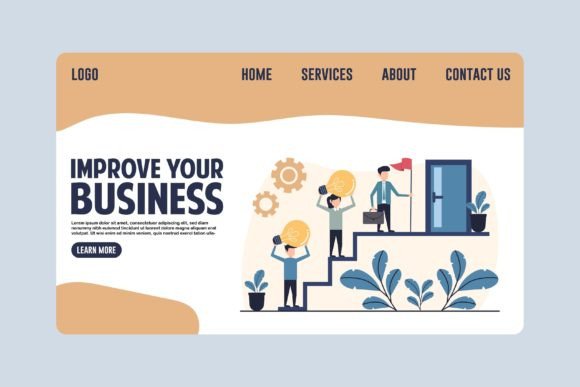
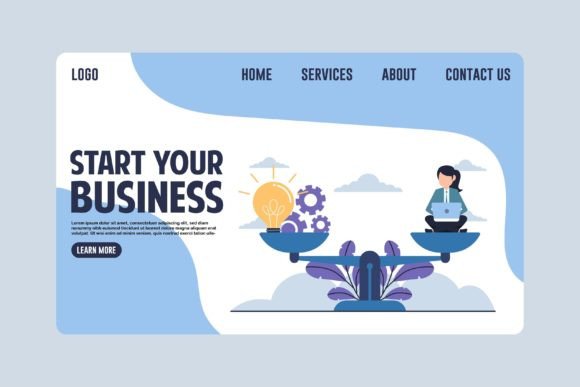
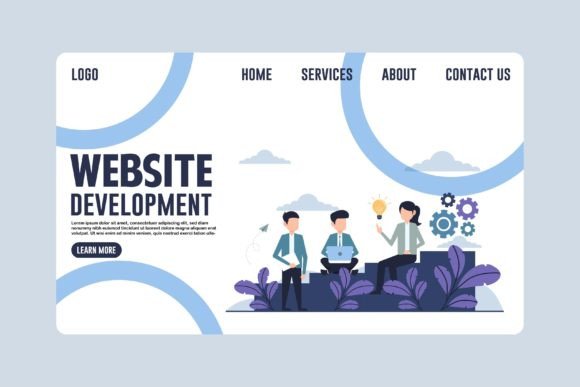
The "hero section" is the top part of a landing page that greets the user. It typically features a headline, a call-to-action button, and a compelling illustration. Using a vector illustration here ensures that the image remains lightweight compared to a high-res photo, improving page load speeds—a crucial factor for SEO and user retention. Furthermore, because vectors are editable, you can tweak the illustration to match the exact tone of your copy. For example, if your text changes from "Grow your business" to "Secure your data," you can adjust the colors or swap icons in the hero image to reflect that shift immediately.
2. Mobile Web Optimization
With mobile traffic accounting for a significant portion of web visits, responsive design is non-negotiable. Vector graphics are inherently responsive. Whether a user is viewing your site on an old smartphone or the latest tablet, the vector image scales perfectly to fit the available space. This eliminates the need to create multiple versions of an image for different screen sizes, saving time and storage space.
3. Banners and Marketing Materials
Freelancers often need to repurpose content across different channels. A vector file created for a website banner can easily be exported for use in social media ads, email headers, or even printed brochures. The ability to scale up for print without quality loss means you get double the utility from a single design effort.
4. Infographics and Data Visualization
Explaining complex services or processes is easier with infographics. Since vector files allow for the precise manipulation of lines and shapes, they are ideal for creating charts, diagrams, and step-by-step guides. You can add text labels, arrows, and icons dynamically, ensuring that the final graphic is legible and visually engaging.
Understanding the File Formats: EPS and High-Res JPG
When acquiring a professional design template, you will typically receive two types of files: the source vector files and high-resolution raster exports. Understanding the purpose of each is essential for efficient workflow management.
EPS (Encapsulated PostScript) Files: These are the gold standard for vector graphics. An EPS file retains all the editable information—the paths, the anchor points, the layers, and the color definitions. To utilize these, you need vector graphics software such as Adobe Illustrator, CorelDRAW, or free alternatives like Inkscape. These files are what give you the freedom to recolor, transform, and restructure the design. They are the "blueprint" of your visual assets.
High-Resolution JPG Files: While the EPS files are for editing, the included JPG files serve as immediate-use assets. These are pre-rendered at a high resolution, making them perfect for quick previews, embedding directly into web pages without conversion, or sharing with clients who do not have design software. They provide a safety net and a starting point, but remember that once you need to make changes, you must return to the vector source.
A Typical Workflow for Freelancers
- Acquisition: Download the template package containing 100+ vector sources in EPS format and the accompanying JPGs.
- Import: Open the EPS file in your preferred vector software.
- Customization: Use the software tools to ungroup elements, change colors to match your client's brand palette, and rearrange components to tell your specific story.
- Export: Once satisfied, export the design as an SVG for web use (for maximum performance) or a high-quality PNG/JPG for broader compatibility.
- Implementation: Place the final image into your landing page builder or CMS.
Common Misunderstandings About Vector Design
Despite their advantages, there are several misconceptions about vector graphics that can hinder beginners. Clarifying these assumptions can help you leverage the technology more effectively.
Misconception 1: "Vectors are only for simple logos."
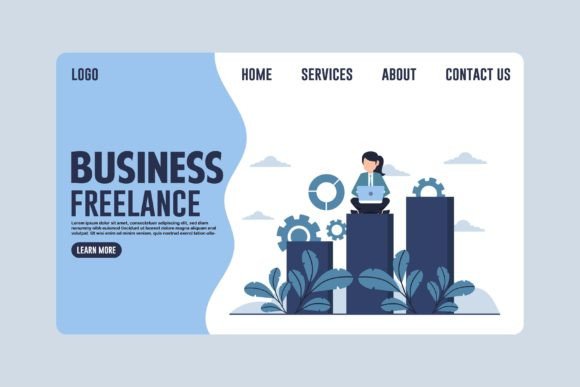
Many believe that vectors are limited to flat, geometric shapes. In reality, modern vector art can be incredibly detailed, featuring complex gradients, textures, and realistic illustrations. The "Business Freelance Concept" templates often include rich scenes with characters, office environments, and abstract technology concepts, proving that vectors can handle sophisticated storytelling.
Misconception 2: "I need to be a master designer to edit vectors."
While advanced skills open up more possibilities, basic editing of vector files is quite accessible. Changing a color, moving an object, or resizing a shape requires only a few clicks. The structure of a well-made template is designed to be intuitive, allowing users to make meaningful changes without needing years of training.
Misconception 3: "JPGs are better for the web because they are smaller."
While JPGs are compressed, modern web browsers handle SVG (a web-friendly vector format) extremely efficiently. Often, a well-optimized vector file is smaller than a high-quality JPG while offering superior scalability. For landing pages where clarity on high-DPI screens is paramount, vectors usually win.
Why This Matters for Your Business Growth
In the realm of freelance business, perception is reality. Clients judge professionalism based on the visual presentation of your work. A landing page filled with blurry, stretched, or generic stock photos suggests a lack of attention to detail. Conversely, a site featuring custom-tailored, crisp vector illustrations signals competence, creativity, and care.
Furthermore, the efficiency gained from using editable vector templates translates directly to revenue. Time spent redrawing graphics is time taken away from client acquisition and service delivery. By utilizing a library of 100 vector source files, you can iterate through designs quickly, test different visuals for A/B testing, and maintain a consistent brand identity across all your projects.
As the digital landscape evolves, the demand for high-quality, adaptable visual content will only increase. Embracing the vector workflow empowers you to stay ahead of the curve, delivering premium results that meet the rigorous standards of modern web design, mobile applications, and marketing campaigns.
Conclusion
The transition to a vector-centric design strategy is a vital step for any freelancer looking to elevate their online presence. With the ability to scale infinitely, edit effortlessly, and adapt to any medium, vector graphics offer a solution that is both practical and powerful. Whether you are crafting a hero image for a new landing page, designing an infographic to explain your services, or creating banners for a marketing campaign, the flexibility of 100% vector files ensures that your vision remains clear, vibrant, and impactful. By mastering these tools and understanding their application, you equip yourself with the resources needed to build a thriving, visually stunning freelance business.